











Skip to content
Lookat

The Lookat platform

See it before
it exists.

Lookat is one platform to create content, build local websites and show it all in AR, right where people stand.

The systems in Lookat

  • Lookat DEsignLookat DEsign
  • Lookat ARLookat AR
  • Lookat PResentationLookat PResentation
  • Lookat StudioLookat Studio
  • Lookat ARTLookat ART
  • Lookat SUNLookat SUN

Four tools.
One path from idea to published page.

Your content moves with you from tool to tool, and Navi comes along. Start where you are, and add more as the project grows.

Give the idea shape.

  1. You start with what you have: a floor plan, a picture or a few sentences.
  2. If you have scanned the site with Lookat AR, the map comes along. Then the model fits where it is meant to stand.
  3. Lookat DEsign builds a 3D model. You change it by describing what you want.
  4. The result is shown in AR on site, as 3D on a website, or as finished images.

  5. NaviTell me what you want to build. I gather what is needed, and ask about what is missing.

In pilot

Sketch: a floor plan, a picture and a few sentences lie on a scanned site. Lookat DEsign raises a model from the plan, and the result becomes images, 3D and AR.

Add a floor
Images3DAR
Shall I add balconies?

Give it a place.

  1. You open Lookat AR in the browser on your phone. No app needed.
  2. Walk slowly around while the phone scans the room or the space.
  3. Lookat AR builds a map of the place, and remembers it for next time.
  4. The map can be shared with Lookat DEsign and used in Lookat PResentation.
  5. NaviI keep track of your maps, and suggest where they can be used.

In pilot

Sketch: Lookat AR opens in the browser on the phone. As you walk around, a map of the room is built. The map is saved, and can be shared with Lookat DEsign and used in Lookat PResentation.

ar.lookat.noStart scanningScanningMap saved
SavedDEsignPResentationThe map is ready to use.

Put it together.

  1. Choose a model from Lookat DEsign, or upload your own.
  2. Place it in the scanned site, at full scale.
  3. Or put it on the table in front of you, as a model you can walk around.
  4. Share the experience with a link or a QR code.
  5. NaviUpload the model, and I will put together a private draft for you to look at first.

In pilot

Sketch: a model from Lookat DEsign is placed in the scanned site at full size, or set on the table as a small model. The experience is shared with a link or a QR code.

Model from Lookat DEsign1:11:100A private draft is ready.

Share it with everyone.

  1. Upload pictures and text, or a sales prospectus.
  2. Lookat Studio puts the website together for you.
  3. Add the presentation, and the page gets 3D and “View in AR”.
  4. Publish on your own address when you are ready.
  5. NaviI put the presentation into a draft in Lookat Studio. You decide when it goes live.

Beta

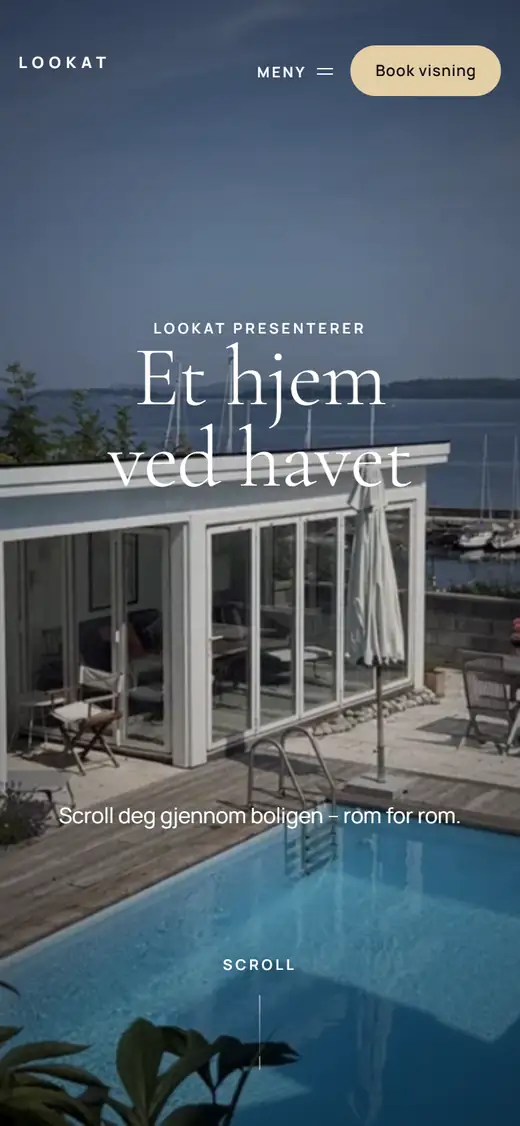
Sketch: pictures, text and a sales prospectus move into a website that Lookat Studio puts together. The presentation is added with “View in AR”, and the page is published on its own address. Finally, a finished page is shown in a phone you can scroll in.

View in AR
The top of “A home by the sea”, a property page made in Lookat Studio
The draft is ready.

With you all the way.

  1. Say what you want to make. I know your project, and find the way through the tools.
  2. I keep track of your costs: what costs the most, what is in use, and what just takes up space.
  3. I come up with suggestions and ideas for new projects, based on what you have already made.
  4. Ask me to remind you of a deadline. I also let you know before something runs out.
  5. I keep an eye on the traffic to your pages, and suggest what could bring more visits.

Coming

Sketch: Navi stands next to a stack of cards. The cards show your project, the costs, a suggestion, a reminder and the traffic to your pages. Names and numbers are made up.

Your project

“I want to show my model on the website.”

  • DEsign
  • AR
  • PResentation
  • Studiowebsite

Navi finds the way: Lookat PResentation, then Lookat Studio.

Costs

640 of 1,000 tokens used

Most usedDEsign

3 models are not in use420 MB

Suggestion

Riverside Quarter has a finished model. Show it in AR on the plot.

See the suggestionLater

Reminder

The viewing of “Riverside Quarter” is in 7 days.

Remind me later

Traffic

1,286 visits in the last 30 days

Most come from mobile. Put the QR code on the sign by the plot.

The products are opening step by step. Get in touch for a demo and access.

Systems of their own

Same engine.
Experiences of their own.

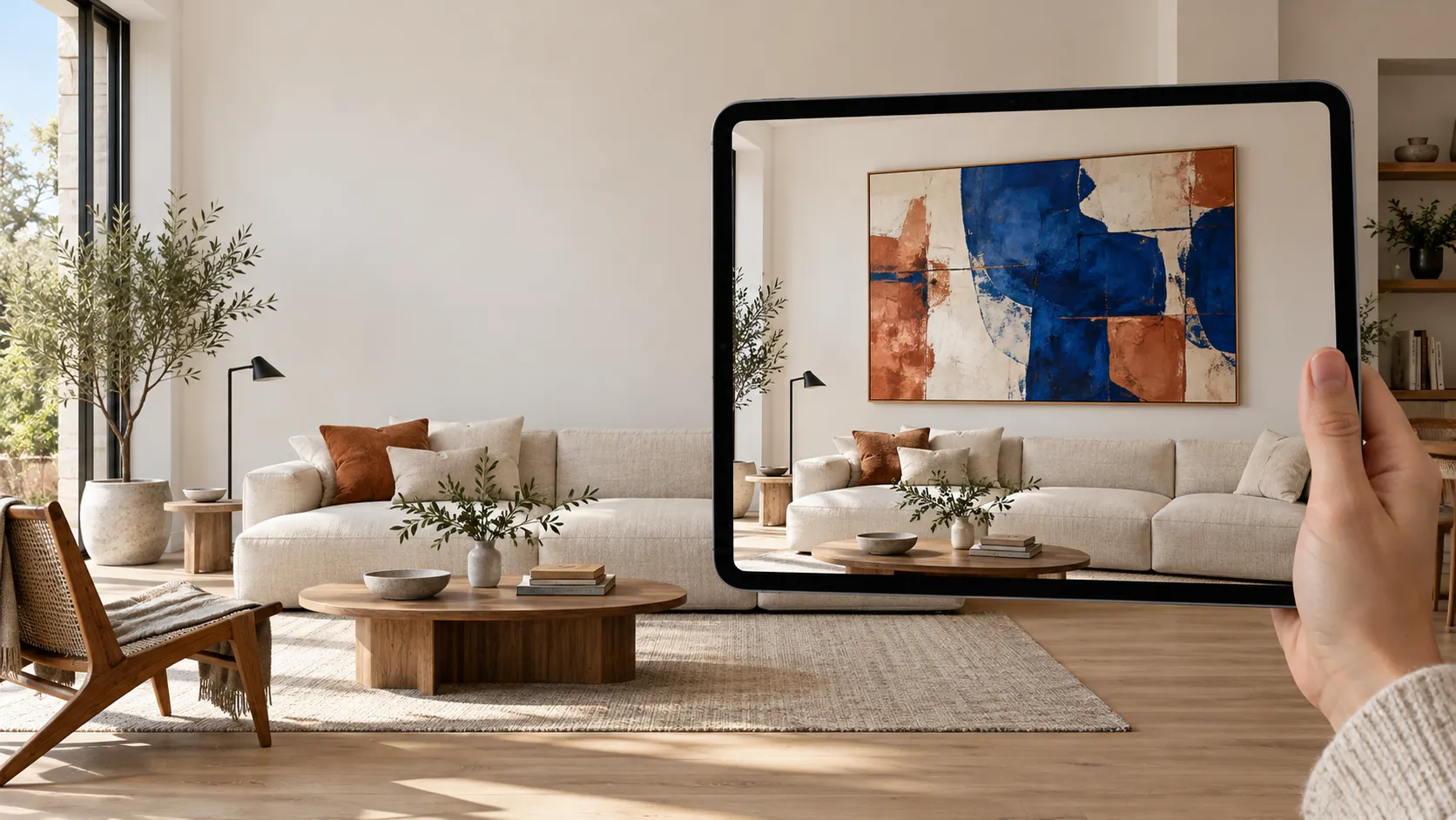
A tablet shows an abstract painting on the wall above the sofa in a bright living room

Art, brought home to you.

Visitors try the artwork on their own wall, at the right size, before they contact the gallery.

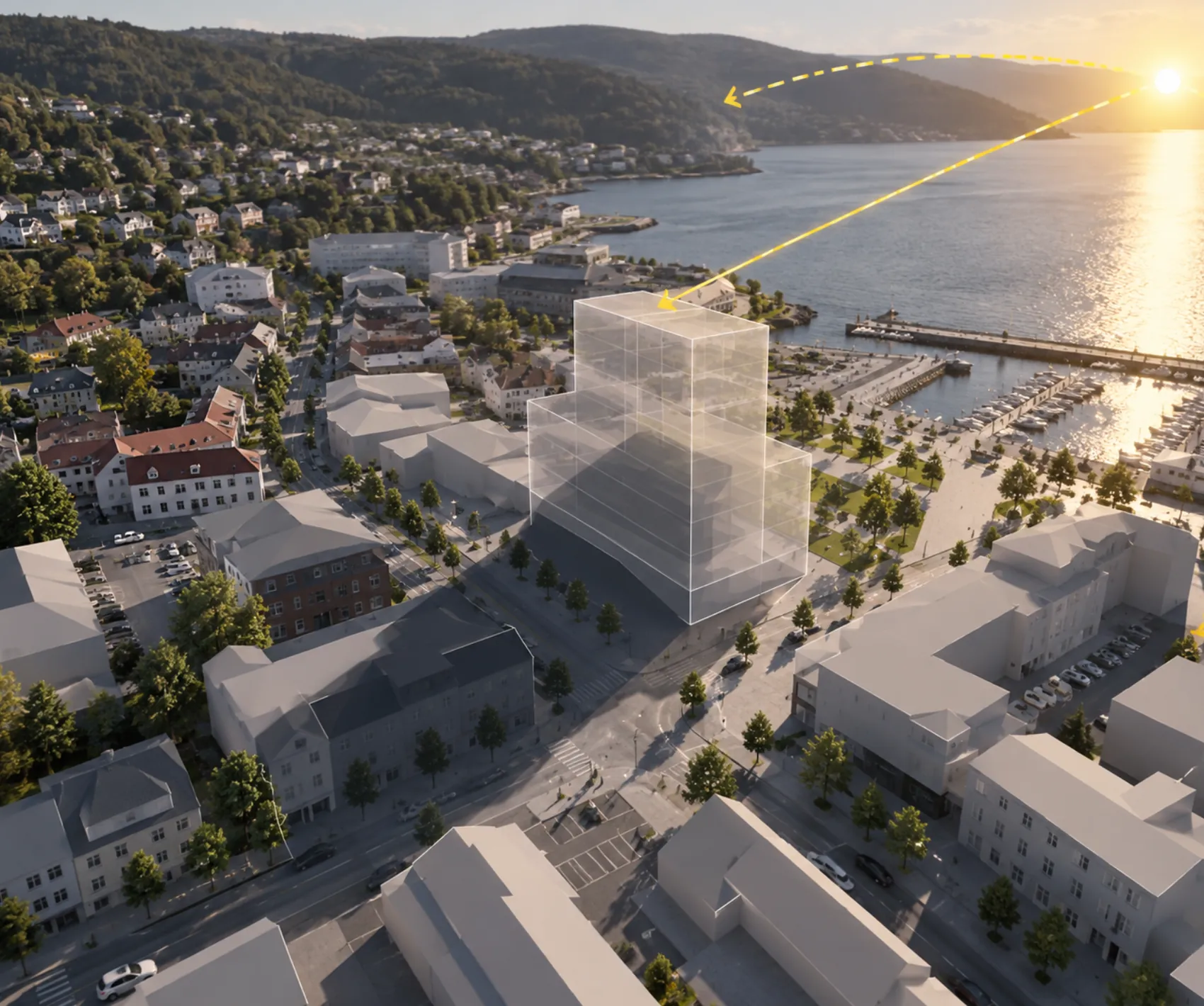
Aerial photo of a fjord town with a planned building and the path of the sun drawn in

Sun and shadow, documented.

Hours of sun and shadow throughout the year, with the report the municipality asks for and a 3D view for the website.

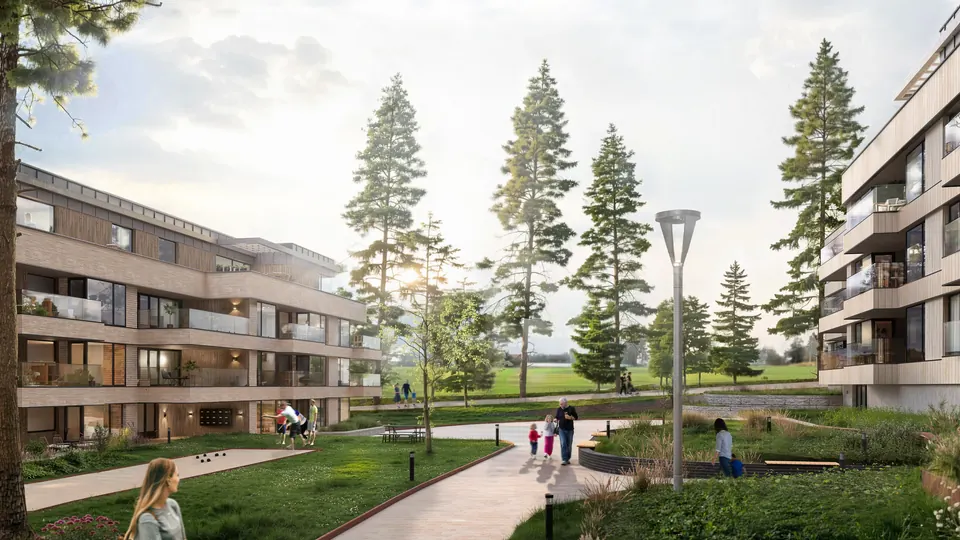
Top-class 3D visualisation, made by hand.

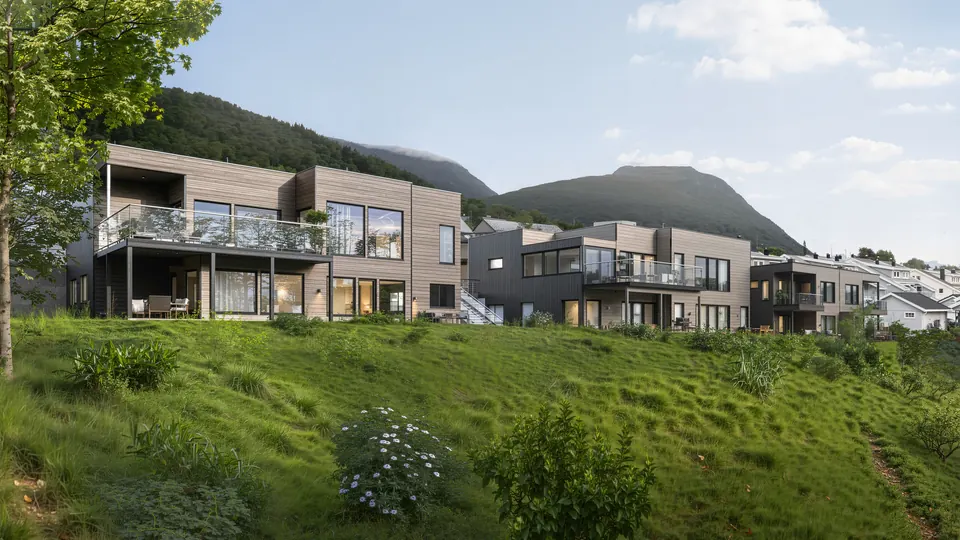
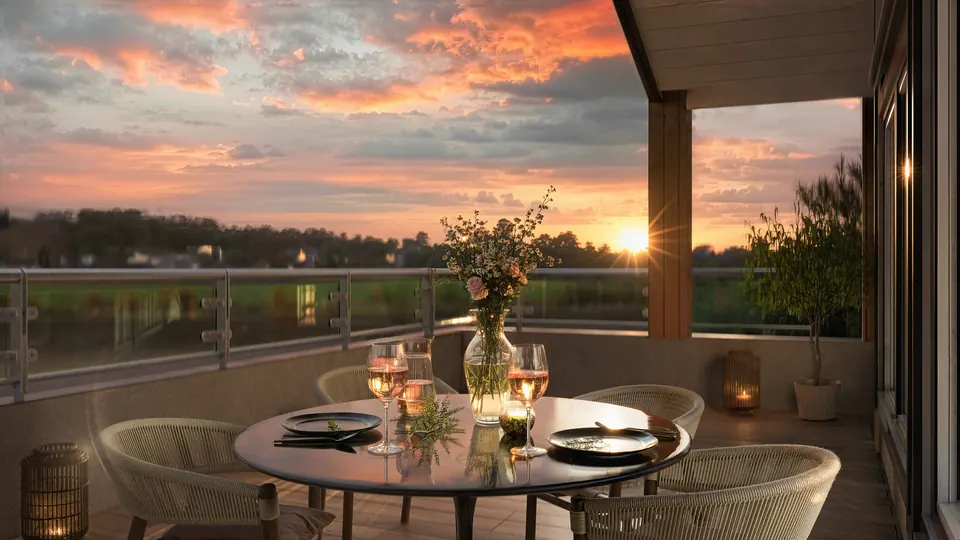
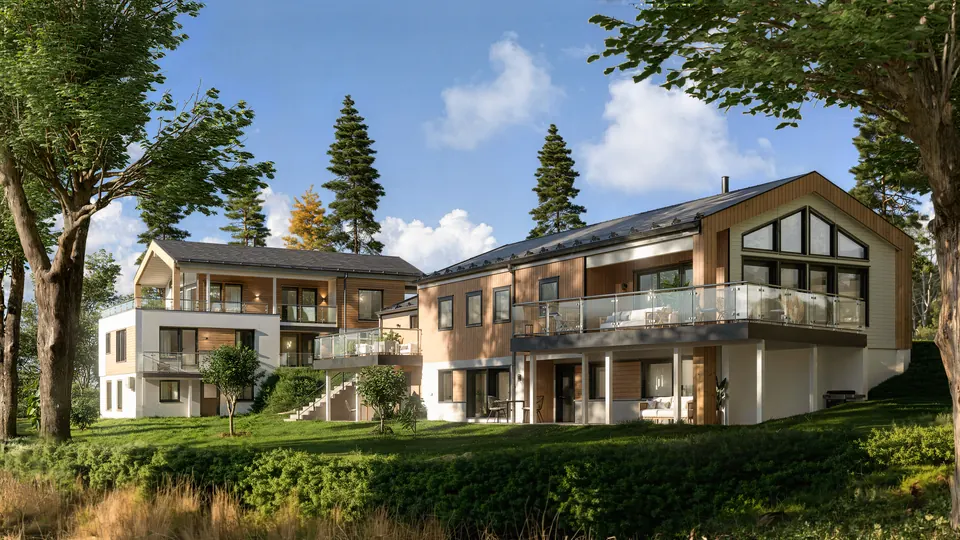
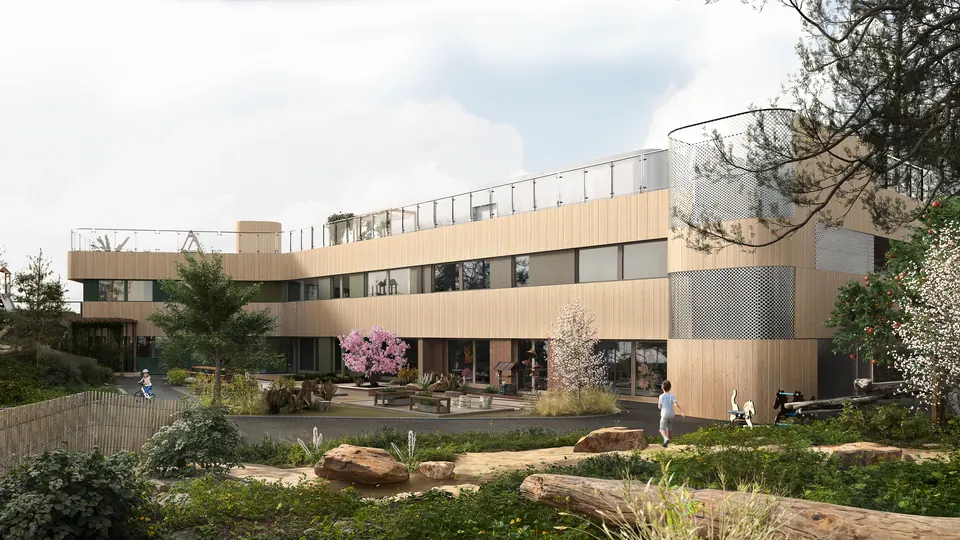
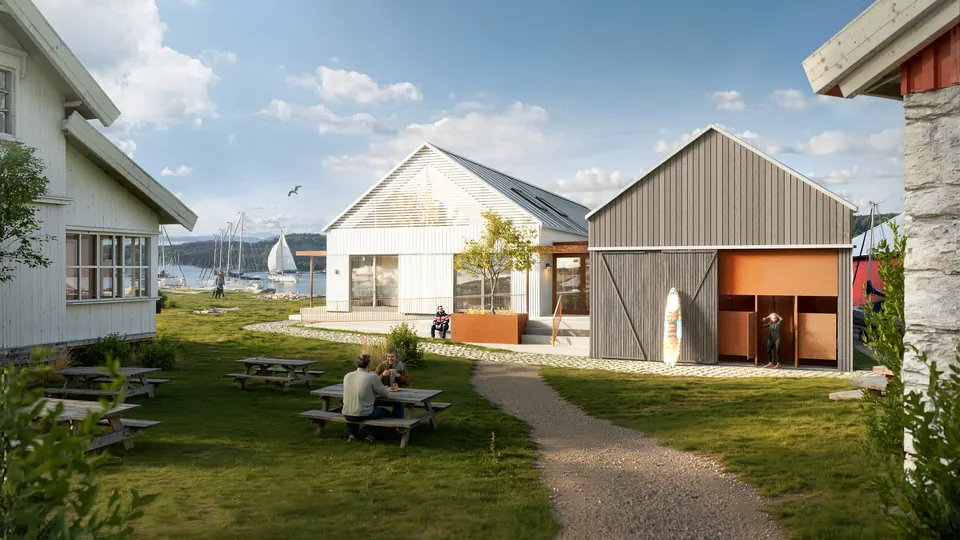
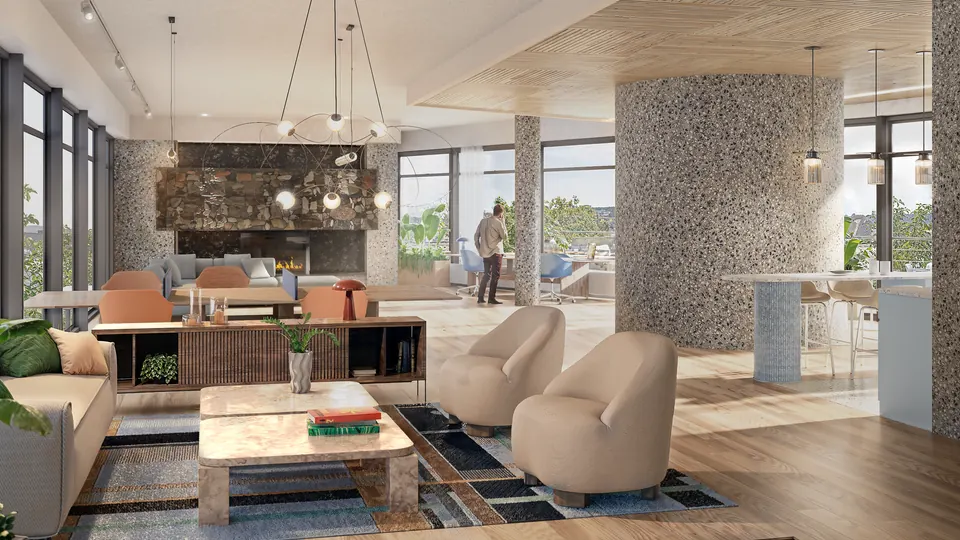
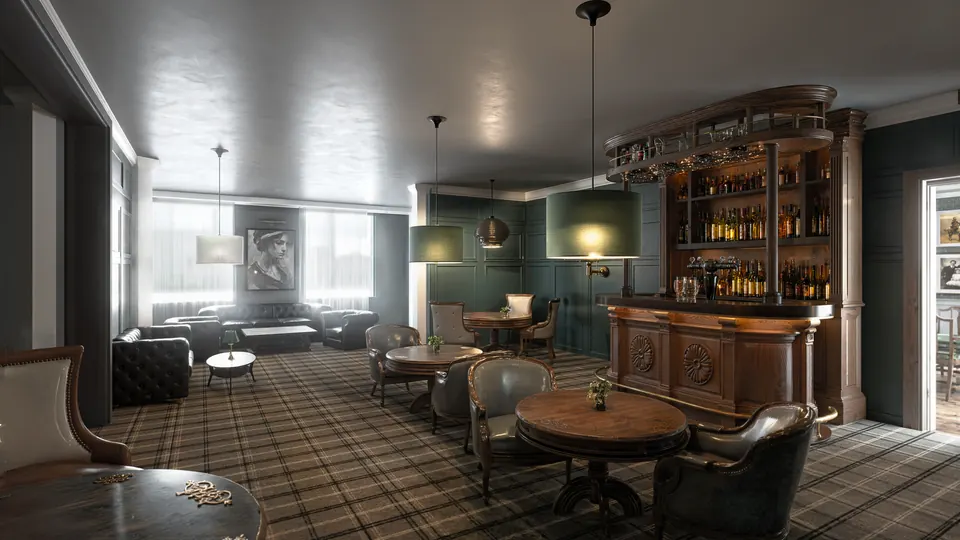
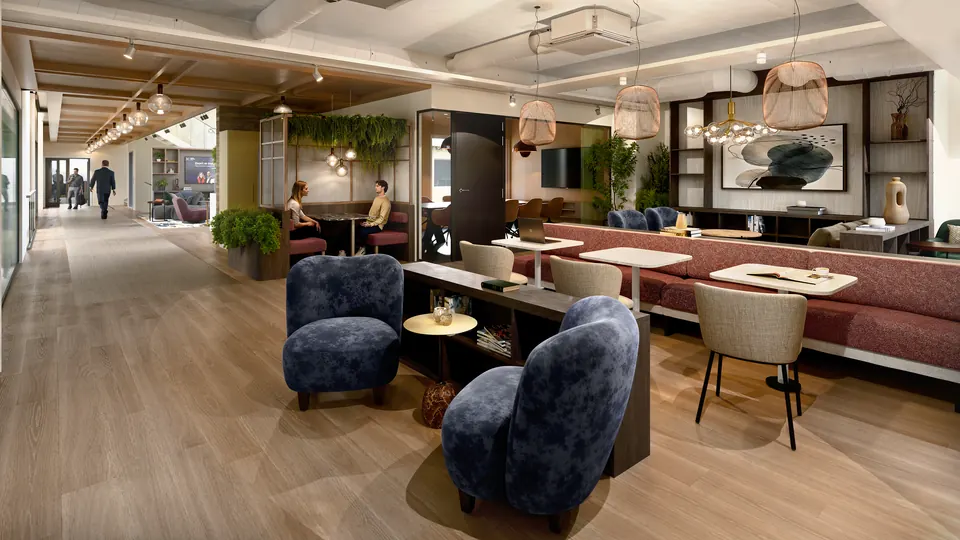
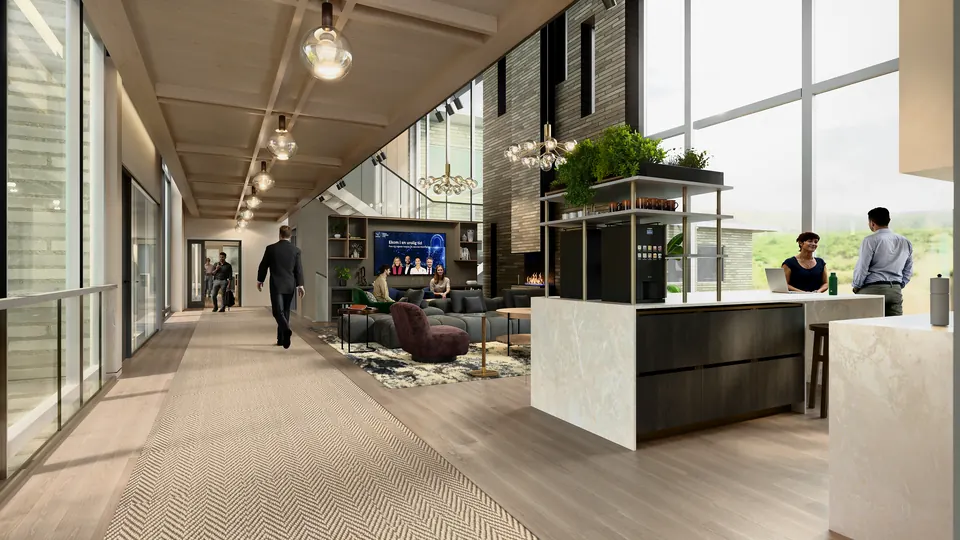
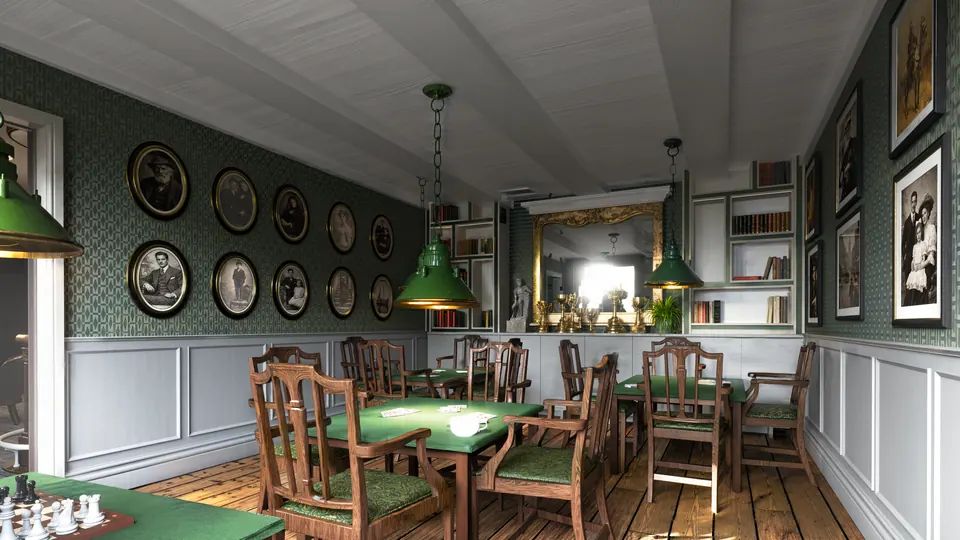
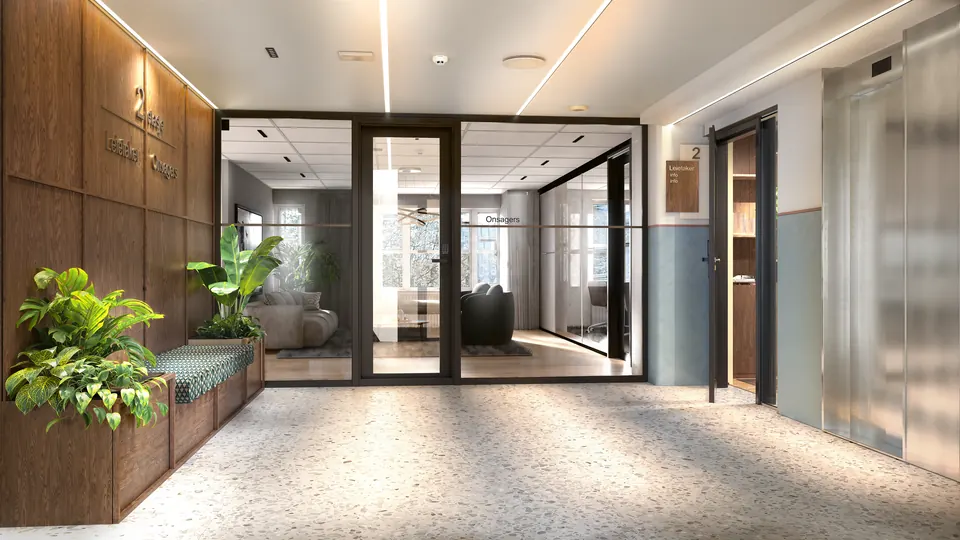
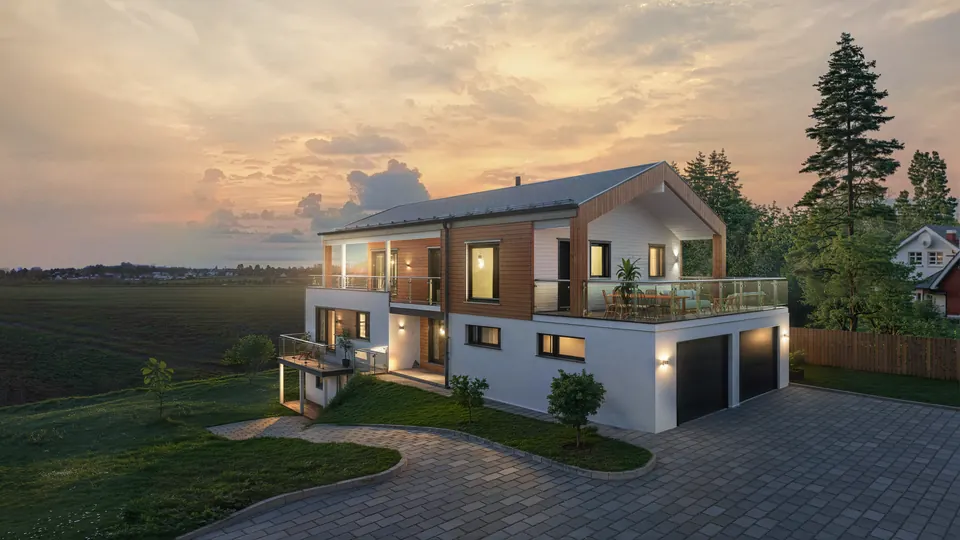
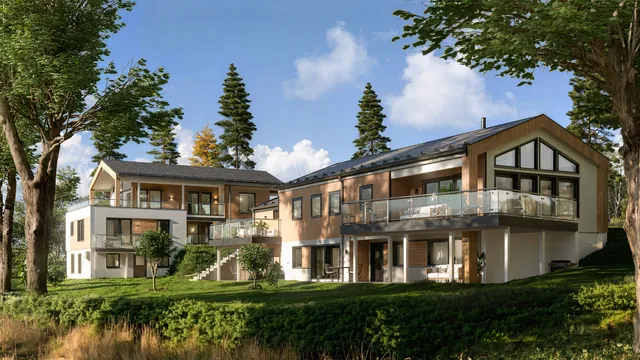
When the image has to carry the project, our designers build the scene by hand, with light, materials and surroundings in place.

Detached house with garage and terrace in the evening light

You talk directly with the designer who makes the images, from the first sketch to the final delivery.

Get in touch contact@lookat.no

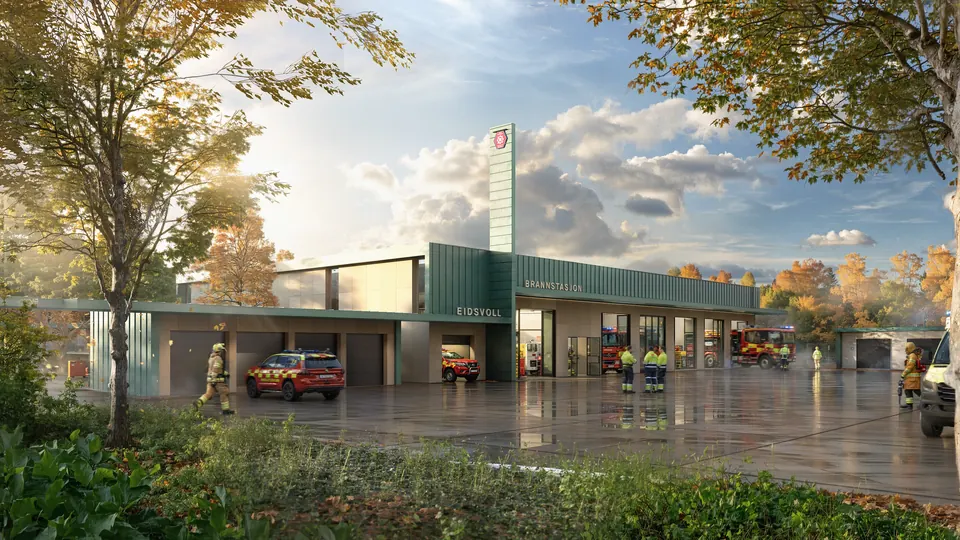
Exterior and interior
Images for sales, planning applications and presentations, delivered in high resolution.
Models ready for Lookat PResentation
We adjust your model so it looks right in AR and as 3D on the website.

For those who see. For those who create. For those who want to be seen.

Lookat. Make it worth looking at.

Contact

What do you want others to see?

Send a few words about the project. We will reply with what we would do, what it costs and when it can be ready.

contact@lookat.no